Settings and Administration
The Settings area allows you to manage the broader configuration of your workspace and specific integrations.
To access the settings menu, click your User Avatar in the top-right corner of the navigation bar and select Settings.
Workspace Settings
The general settings page focuses on high-level administrative tasks for your tenant.
- Workspace Name: Update the display name of your workspace.
- Invite Users: Add new team members to your workspace by email.
- Note: Users must complete their profile setup upon their first login.
Appearance
Customize your personal viewing experience. * Theme: Toggle between Light, Dark, or System (follows your OS preference) modes.
Data Dictionary (Workspace Level)
Access restricted to Workspace Admins.
The Data Dictionary allows you to document the meaning and usage of your data fields globally. * This is a shared markdown document available to all users in the workspace. * Use this to establish a "source of truth" for naming conventions, widely used enums, or business logic explanations that apply across all schemas and namespaces.
Environments
Access restricted to Workspace Admins.
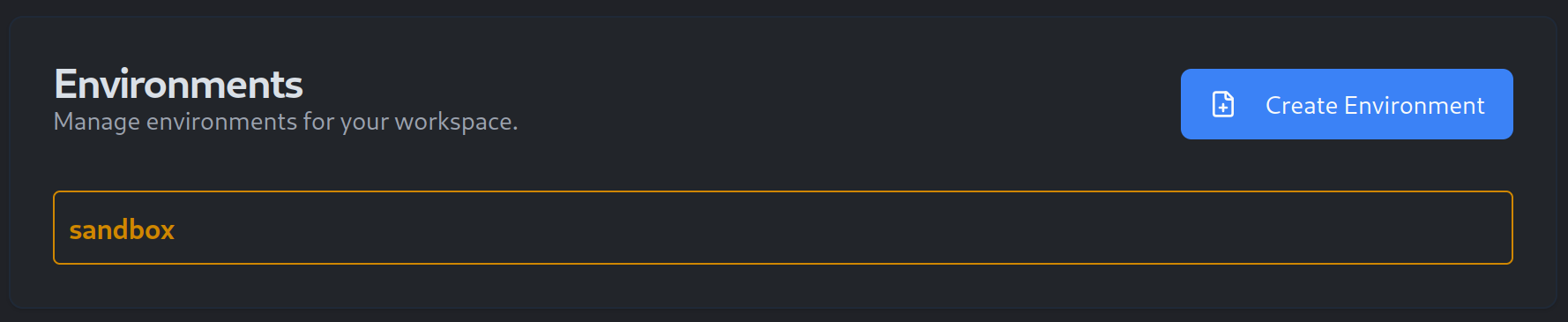
This section manages the deployment environments available for your Rollouts.
* Default Environments: New workspaces typically come with standard environments like Development, Staging, and Production.
* Custom Environments: You can create additional environments to match your team's specific workflow (e.g., QA, Pre-Prod).
Language Integrations
Access restricted to Workspace Admins.
Manage which programming languages your workspace supports for Schema artifact generation. * Enable or disable specific language targets (e.g., Java, TypeScript, Go). * Enabling a language ensures that whenever a Schema is updated, the system builds the corresponding client SDK artifacts for that language automatically.
Client Tokens (Programmatic Access)
While users log in via the UI, your applications need a secure way to fetch configurations.
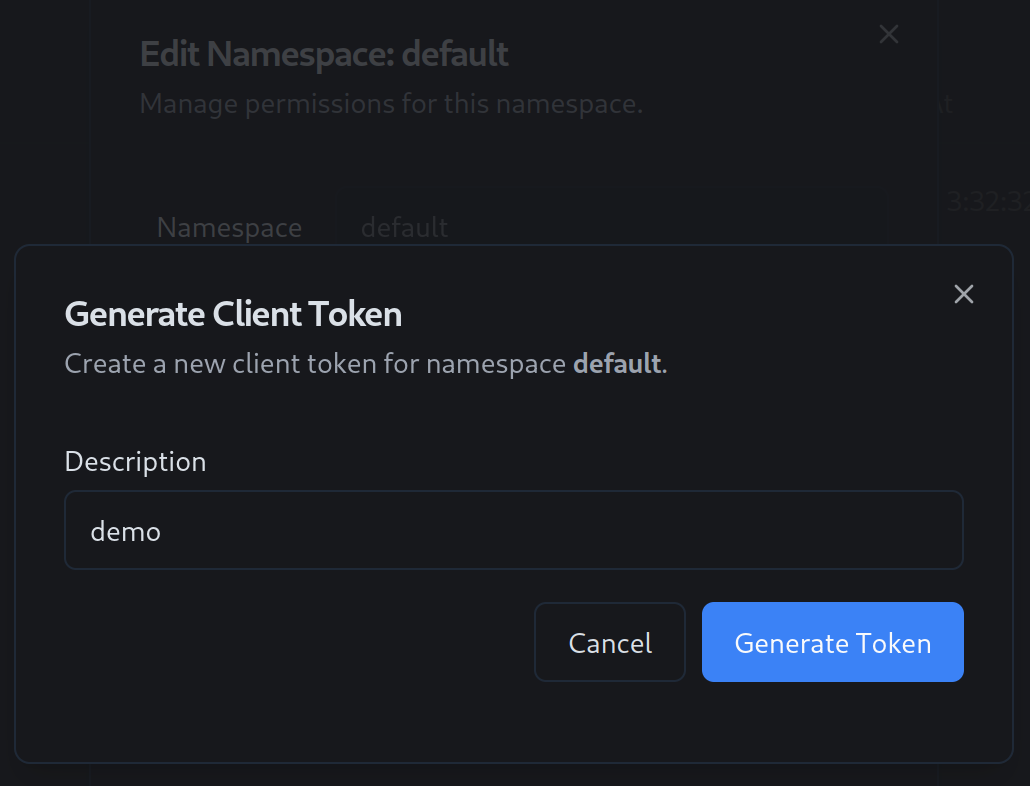
- Generation: You can generate long-lived Client Tokens from the settings menu or directly from a specific Namespace's settings.
- Scoping: Tokens are typically scoped to a specific Namespace to ensure least-privilege access.
- Usage: These tokens are used as Bearer tokens in the HTTP Authorization header or passed to the generated SDK clients to authenticate requests.